> ## Documentation Index
> Fetch the complete documentation index at: https://blaxel-pm-2441-firewall.mintlify.site/llms.txt
> Use this file to discover all available pages before exploring further.
# AgentMail
> Use AgentMail with Blaxel to build an intelligent assistant that autonomously answers technical questions over email through agentic inboxes.
This example shows how to integrate agentic inbox provider [AgentMail](https://agentmail.to/) with Blaxel to create a customer success agent that autonomously handles technical questions via email (inbound and outbound).
## Requirements
To use this example, you'll need:
* the unique username for your AgentMail inbox
* an AgentMail API key
## Create an AgentMail inbox and API key
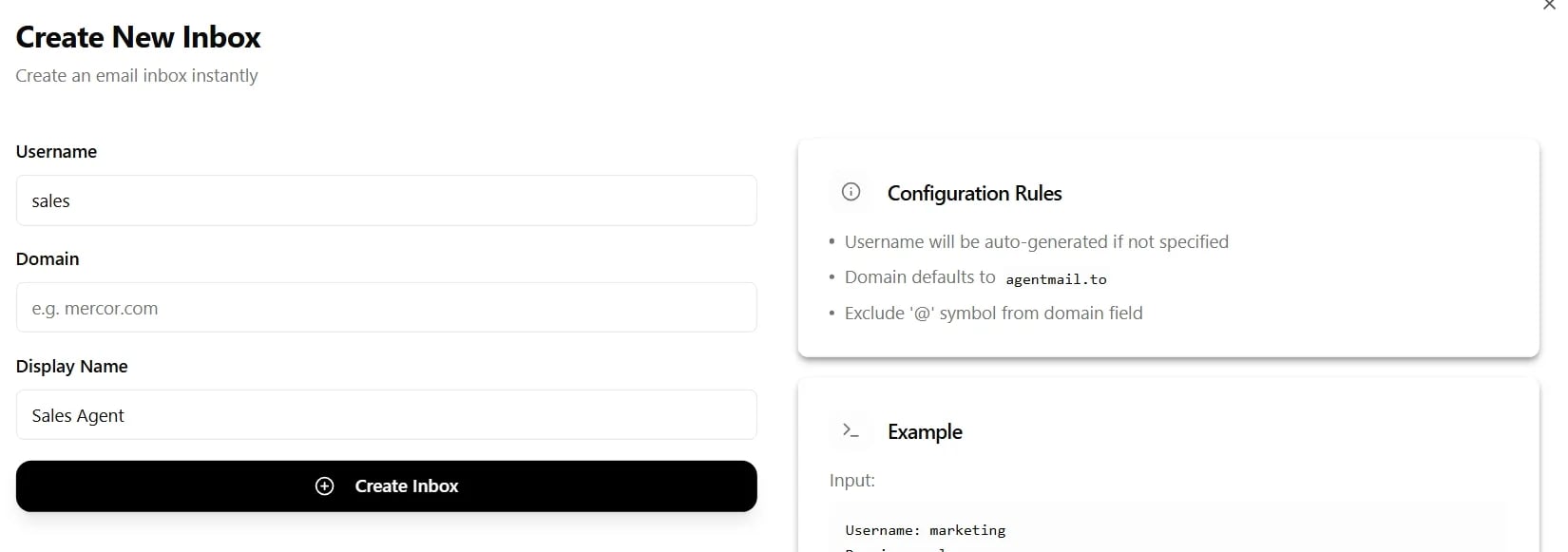
From your AgentMail dashboard, create a new inbox, providing a unique username (by default, the domain is set to `agentmail.to`):
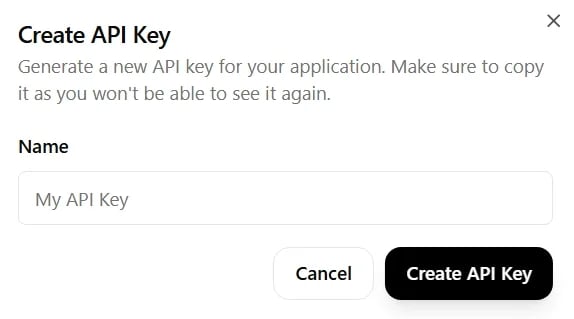
 From the same dashboard, obtain an API key:
 ## Configure the project
Clone the [example repository](https://github.com/blaxel-templates/template-agentmail-docbot) and follow the instructions provided.
Note that you must configure the following environment variables for your deployment:
```bash theme={null}
INBOX_USERNAME= # a unique username for your inbox
AGENTMAIL_API_KEY= # your AgentMail API key
```
Create a `.env` file in the project root with these variables, or set them in your deployment environment.
The `AGENTMAIL_API_KEY` variable is required. If it is missing or not correctly set, the AgentMail client will fail to authenticate and return a **403 Forbidden** error at runtime. Confirm this variable is configured before deploying.
## Deploy the agent
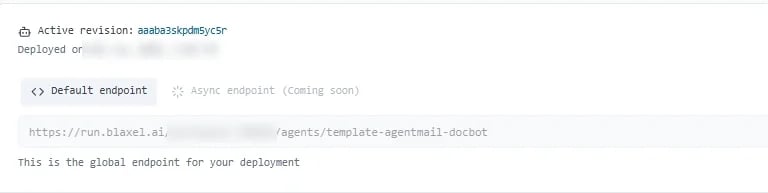
[Deploy the agent](../Agents/Deploy-an-agent) on Blaxel. Once the agent is deployed, retrieve its [inference endpoint](../Agents/Query-agents).
## Configure the project
Clone the [example repository](https://github.com/blaxel-templates/template-agentmail-docbot) and follow the instructions provided.
Note that you must configure the following environment variables for your deployment:
```bash theme={null}
INBOX_USERNAME= # a unique username for your inbox
AGENTMAIL_API_KEY= # your AgentMail API key
```
Create a `.env` file in the project root with these variables, or set them in your deployment environment.
The `AGENTMAIL_API_KEY` variable is required. If it is missing or not correctly set, the AgentMail client will fail to authenticate and return a **403 Forbidden** error at runtime. Confirm this variable is configured before deploying.
## Deploy the agent
[Deploy the agent](../Agents/Deploy-an-agent) on Blaxel. Once the agent is deployed, retrieve its [inference endpoint](../Agents/Query-agents).
 You will need an API key to query the agent externally. Follow [this guide to create a service account in your workspace and generate an API key](../Security/Service-accounts).
Complete documentation for using AgentMail.
You will need an API key to query the agent externally. Follow [this guide to create a service account in your workspace and generate an API key](../Security/Service-accounts).
Complete documentation for using AgentMail.